
Download RarZilla Free Unrar – Free, Secure RAR Decompression Tool for Windows & Mac
Looking for a sleek, modern alternative to WinRAR? RarZilla Free Unrar offers a clean, intuitive interface to decompress RAR files without the clutter. This lightweight, free software provides a faster and more visually appealing way to extract compressed archives, making it ideal for users who want a straightforward tool for handling RAR files.
With support for multi-part RAR archives and customizable extraction settings, RarZilla Free Unrar delivers reliable performance on both Windows and Mac systems. Whether you're unzipping game mods, downloading media, or recovering archived documents, this tool ensures a seamless experience. The software is completely free to download and use, with no hidden costs or ads.
Its minimal footprint and easy setup make it perfect for casual users and power users alike.
Key Features of RarZilla Free Unrar
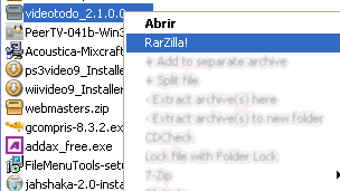
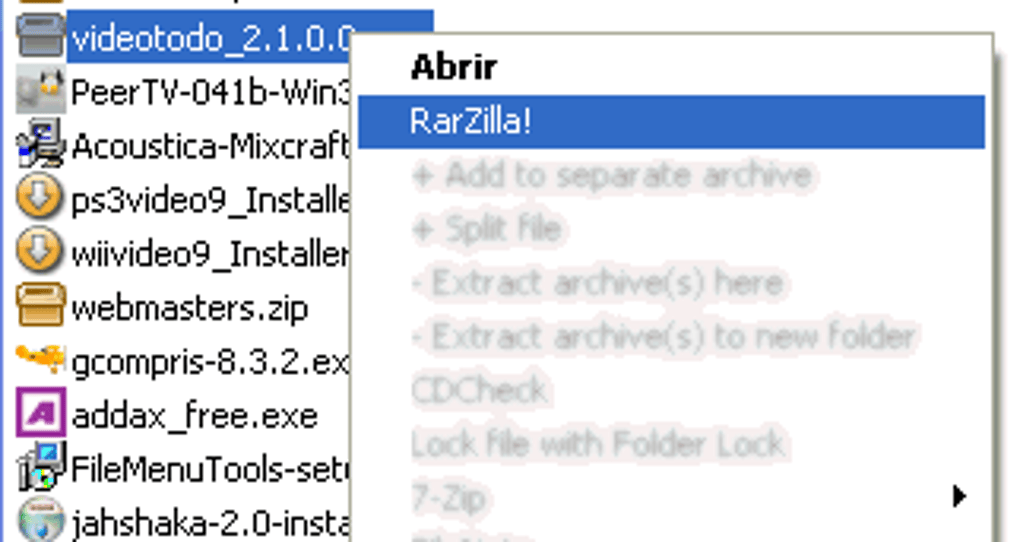
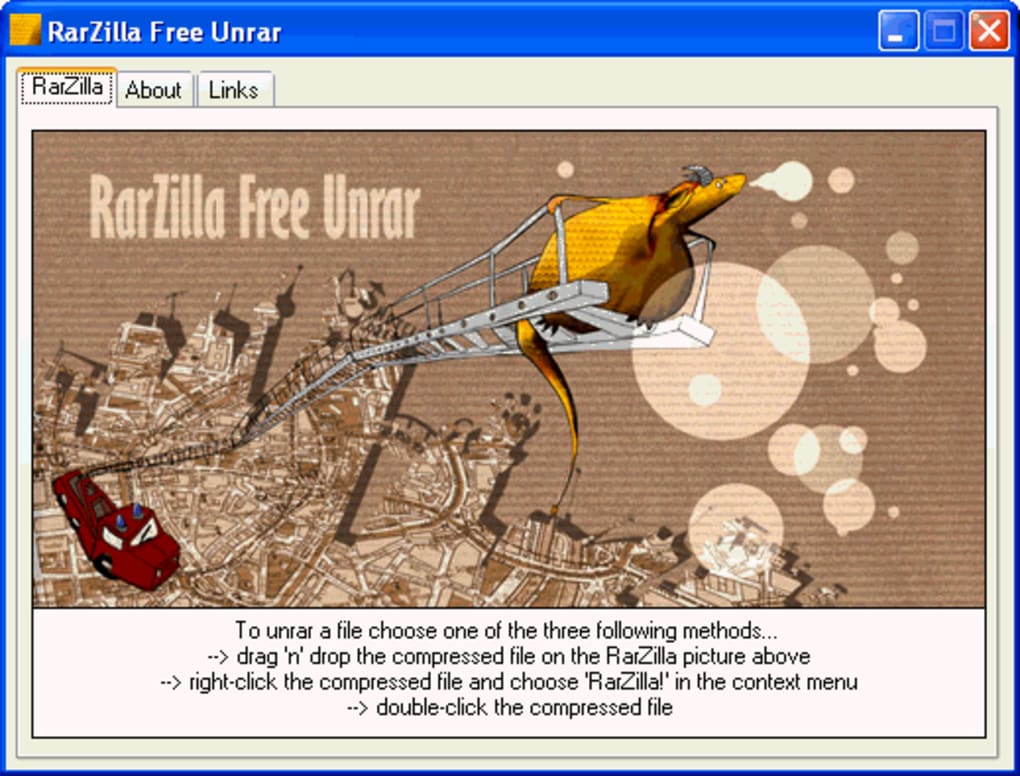
One of the standout aspects of RarZilla Free Unrar is its focus on simplicity and modern design. Unlike the dated interface of WinRAR, RarZilla presents a sleek, user-friendly dashboard that enhances the overall experience. The software supports the decompression of standard RAR files, including those split across multiple parts—a crucial feature for users dealing with large downloads. You can extract files by simply dragging and dropping them into the application window, double-clicking the RAR file, or using the right-click context menu option “Extract with RarZilla.” This level of accessibility makes it beginner-friendly while still being powerful enough for experienced users.
Another valuable feature is the ability to set a default output folder. This eliminates the hassle of manually selecting a destination every time you extract a file. To configure this, navigate to the RarZilla installation directory, create a text file named folder.txt, and enter your preferred extraction path (e.g., F:\Media). The software will automatically use this location for all future extractions, streamlining your workflow. Additionally, RarZilla allows you to set a default password for encrypted archives, which is helpful if you frequently work with password-protected files.
Despite being free, RarZilla Free Unrar includes advanced functionality such as batch extraction and support for password recovery (in case you forget the key). It also maintains a clean, minimalistic design with no intrusive ads or toolbars. The software is lightweight, consuming minimal system resources, and updates are released regularly to improve stability and security. For users seeking a reliable, free, and secure RAR extraction tool, RarZilla delivers solid performance with a modern twist.
How to Install and Use RarZilla Free Unrar
Installing RarZilla Free Unrar is a quick and hassle-free process. First, visit the official website and download the latest version of the software. The installer is small, typically under 10MB, and doesn’t require administrative privileges on most systems. Once downloaded, run the installer and follow the on-screen prompts. The setup wizard guides you through the process, allowing you to choose the installation directory and create a desktop shortcut if desired.
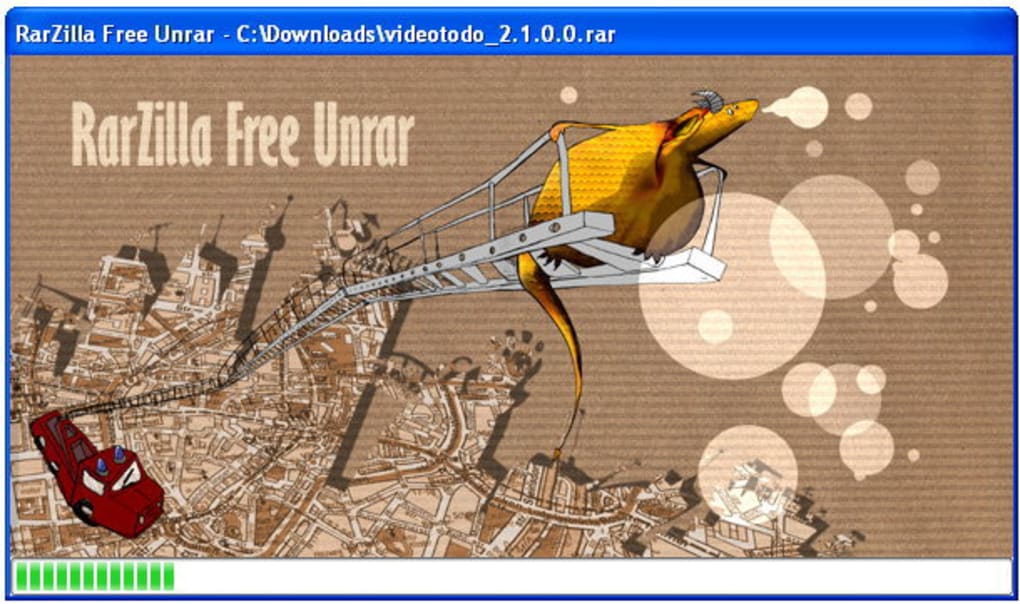
After installation, you’ll find the RarZilla Free Unrar icon in your Start menu and desktop. To use the software, simply drag and drop your RAR file into the application window, or double-click the file to open it directly. If the file is password-protected, a prompt will appear asking for the password. For frequent users, setting a default password can save time—just enter it once, and RarZilla will remember it for future extractions.
For even greater efficiency, configure the default output folder. As mentioned earlier, create a folder.txt file in the RarZilla installation folder and input your preferred extraction path. This ensures that all extracted files are saved to your chosen directory automatically. You can also use the right-click context menu in File Explorer to “Extract with RarZilla” for quick access without launching the app. This integration with the Windows shell makes it a seamless addition to your daily workflow.
Compatibility and System Requirements
RarZilla Free Unrar is compatible with a wide range of operating systems, making it a versatile choice for users across platforms. It supports Windows 7, 8, 10, and 11 (both 32-bit and 64-bit versions), ensuring broad accessibility for desktop users. Additionally, the software is available for Mac OS X, allowing Mac users to enjoy the same clean interface and reliable extraction features. This cross-platform availability is a major advantage, especially for teams or individuals working across different devices.
The system requirements are minimal, meaning RarZilla Free Unrar runs smoothly even on older hardware. It requires at least 512MB of RAM and 10MB of free disk space—resources that are easily met by most modern computers. The software does not rely on heavy background processes, so it won’t slow down your system during extraction. It’s also designed to be portable, meaning you can run it from a USB drive without installation if needed.
For mobile users, RarZilla does not currently offer native apps for Android or iOS, but it remains a top choice for desktop users. If you’re looking for a lightweight, secure, and free tool to handle RAR files on your PC, RarZilla Free Unrar is an excellent fit. Its compatibility with both Windows and Mac makes it a go-to solution for users who value flexibility and performance.
Pros and Cons of RarZilla Free Unrar
- Pros:
- Modern, clean interface that improves on WinRAR’s outdated look
- Free to download and use with no ads or hidden fees
- Supports multi-part RAR archives and password-protected files
- Easy setup with default folder and password configuration
- Lightweight and fast, with minimal impact on system performance
- Portable version available for USB drive use
- Regular updates ensure security and stability
- Cons:
- Password prompt can be intrusive and may pop up repeatedly
- Lacks advanced compression features (only extracts, doesn’t create RAR files)
- No native mobile apps for Android or iOS
- Documentation could be more detailed for beginners
- Interface lacks some customization options compared to premium tools
Frequently Asked Questions (FAQ)
Here are some common questions users have about RarZilla Free Unrar:
-
Is RarZilla Free Unrar really free to use?
Yes, RarZilla Free Unrar is completely free to download and use. There are no trial periods, hidden fees, or premium features locked behind paywalls. The software is supported by a clean, ad-free experience, making it a reliable choice for everyday RAR file extraction.
-
Can I extract password-protected RAR files with RarZilla?
Yes, RarZilla Free Unrar supports password-protected RAR archives. When you attempt to extract such a file, the software will prompt you to enter the password. You can also set a default password to avoid repeated input.
-
How do I set a default output folder?
To set a default output folder, go to the RarZilla installation directory, create a text file named
folder.txt, and enter your desired path (e.g.,C:\Extracted). Save the file, and RarZilla will use this folder for all future extractions. -
Does RarZilla work on Mac and Windows?
Yes, RarZilla Free Unrar is available for both Windows and Mac OS X. It supports all major versions of Windows (7 through 11) and recent Mac systems, ensuring broad compatibility across devices.
-
Can I use RarZilla on my Android or iPhone?
Currently, RarZilla Free Unrar does not offer native apps for Android or iOS. However, you can use web-based tools or other mobile RAR apps as alternatives.
Final Verdict: Is RarZilla Free Unrar Worth It?
Overall, RarZilla Free Unrar stands out as a refreshing alternative to the aging WinRAR interface. While it doesn’t offer the full range of compression tools found in paid software, its core strength lies in reliable, fast, and secure RAR file extraction. The modern design, ease of use, and customizable settings make it a solid choice for users who prioritize a clean experience over advanced features.
If you’re tired of WinRAR’s cluttered interface and want a free, lightweight tool that gets the job done without bloat, RarZilla Free Unrar is definitely worth a try. Its ability to handle multi-part archives, support password protection, and integrate with the Windows shell adds real value. The only minor drawback is the repetitive password prompt, but this can be easily resolved with the default password feature.
For anyone seeking a free, secure, and efficient RAR decompression tool for Windows or Mac, RarZilla Free Unrar delivers on its promise. Download it today and enjoy a smoother, more modern way to extract your compressed files.
Download RarZilla Free Unrar now and simplify your file extraction experience!







